Make the next collector decision faster.
Scan a card, track a sealed-product restock, identify a set symbol, confirm a printing, or find the exact card price without opening five tabs.
 Elite Trainer BoxBest Buy launch sourceWatch
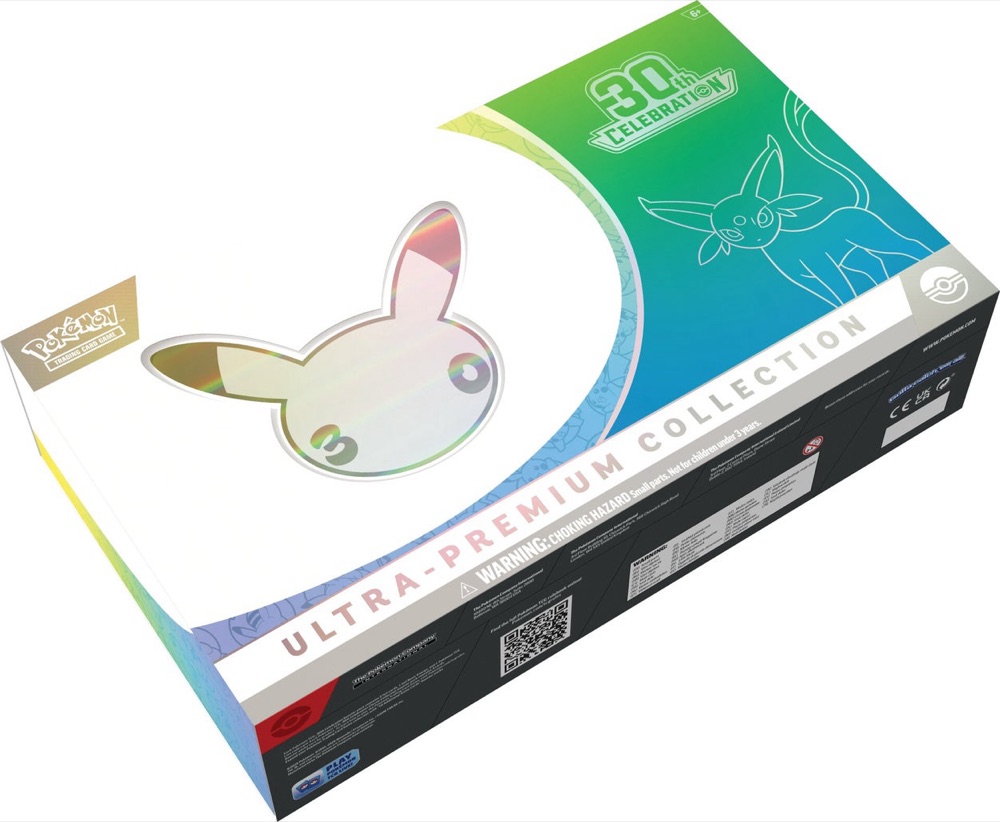 Ultra-Premium CollectionDay or NightWatch
View the tracker
Ultra-Premium CollectionDay or NightWatch
View the tracker
Choose the question you have now.
Each tool keeps the evidence and the next step together.
Point your camera or upload a photo to find the exact card and its market price. No signup, and photos stay on your device.
Scan a card → Sealed productsPokémon TCG Restock AlertsWatch exact products at supported retailers and receive Chrome notifications when stock changes.
Open tool → IdentificationSet Symbol LookupMatch the mark on a card to its English expansion and full checklist.
Match a symbol → Printing checkFirst Edition CheckerSeparate Base Set 1st Edition, Shadowless, Unlimited, and later stamped sets.
Check a printing → Release planningPokémon Set Release CalendarSee confirmed English and Japanese set dates with source links.
View release dates → Card valuesPokémon Card Price FinderSearch exact printings and compare source-labeled market references.
Find a card →Use the answer, then check the source.
MonZap tools keep product names, exact printings, retailer observations, market references, and release dates separate. That matters when two cards share a name, a listing changes, or a restock rumor starts moving faster than the retailer.
Open the linked product, set, marketplace, or official release source before you buy, sell, grade, or travel for stock. A useful tool should make that final check easier, not ask you to trust a mystery result.